
Visual work is now moving faster than the systems built to manage it.
A campaign image may begin in one tool, a product visual may be revised in another, and feedback may end up spread across chats, files, and review threads. The result is familiar: useful ideas become harder to trace, compare, and ship.
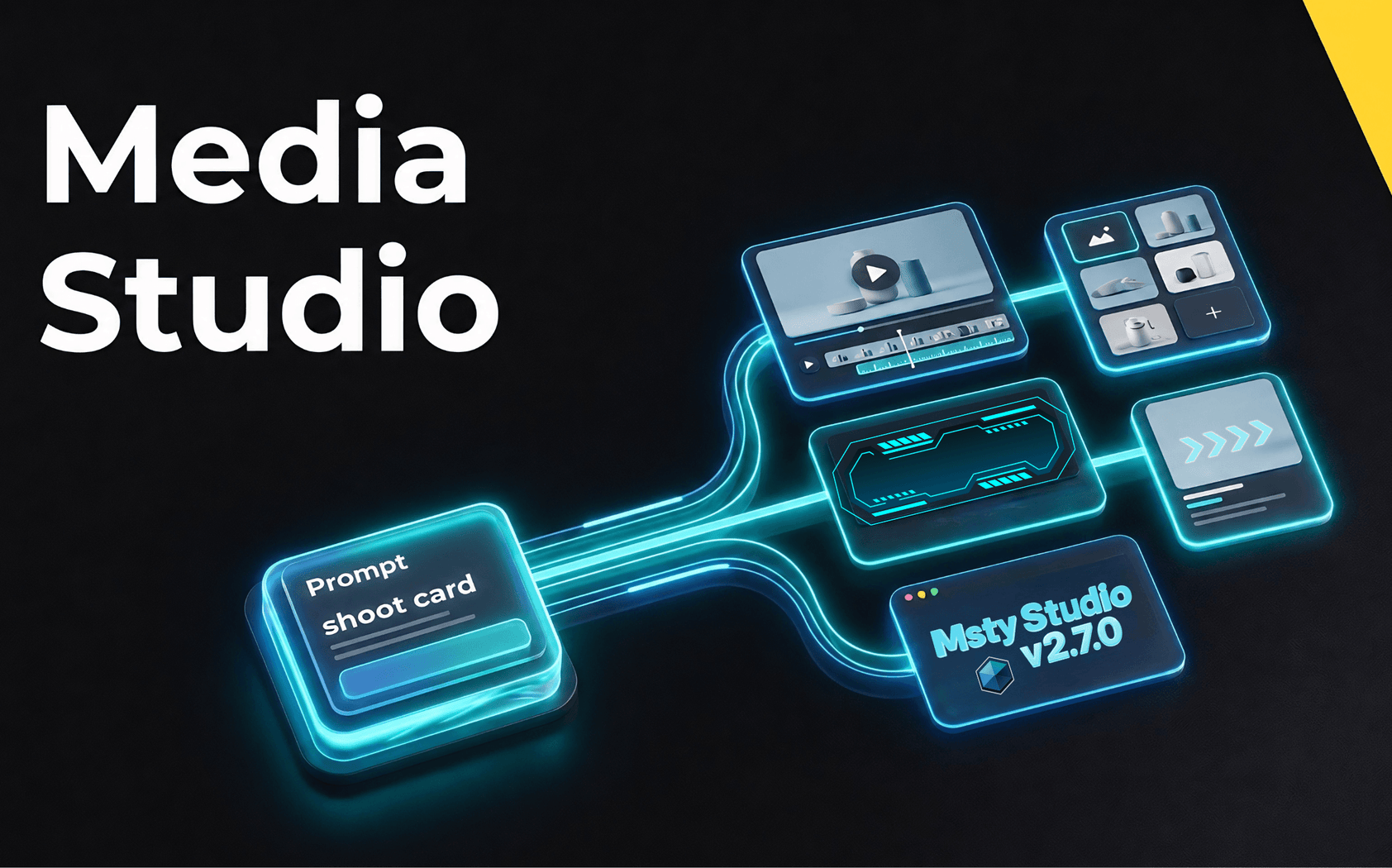
Msty Studio 2.7.0 introduces Media Studio, a focused AI media workspace that keeps prompts, references, history, and outputs connected from concept to production-ready asset.
The Bottleneck Behind Better Visuals
Visual demand keeps rising, but many workflows still break down before the asset is truly ready.
Teams lose time when:
- Prompts, references, and outputs live in different places.
- The best version is hard to identify.
- Strong ideas are recreated instead of reused.
- Feedback is written in long text when it should be visual.
Media Studio brings these pieces into one cleaner flow.
From Options to Decisions
The biggest value shows up after generation.
Media Studio helps teams review work with structure: generated media can be moved into Spotlight, compared side by side, renamed, starred, downloaded, deleted, or added back into context.
History stays available throughout the process, so a strong output can become the starting point for the next version instead of forcing a restart.
Visual Feedback Without the Friction
Media Studio includes practical editing tools such as crop, brush, text, arrows, shapes, mosaic, undo, and redo.
This makes feedback faster and clearer. Instead of describing a change in a long message, teams can mark the image directly and use that marked-up visual as fresh context for the next iteration.
Less Friction, More Finished Work
Media Studio helps turn creative effort into usable progress:
- Faster visual concept creation.
- Cleaner comparison and review.
- Better reuse of strong assets.
- Less repeated work.
- Stronger consistency across projects.
- Easier handling of images, videos, previews, and attachments.
From Effort to Output
Media Studio brings ideas, references, edits, comparisons, and history into one connected workflow.
That reduces repeated starts, version chasing, and scattered review cycles. Teams move faster from concept to usable visual asset, with stronger reuse along the way.
As media demand grows, Media Studio helps turn creative pressure into focused, production-ready progress.
For full release details, see the Msty Studio changelog.