Start in the right workspace
Point each agent at the right project, files, or isolated environment so the work stays focused and relevant.
From first task to full operations flow, Msty Claw brings agents, approvals, memory, tools, and end-to-end encrypted mobile access together in one place built for reliable work.


Set up each agent with the right workspace, permissions, and behavior so it can take action confidently without creating surprises later.
Point each agent at the right project, files, or isolated environment so the work stays focused and relevant.
Run locally for speed or use Docker or Podman for extra isolation when the job calls for tighter boundaries.
Clone, tune, review, and improve agents over time instead of rebuilding the same setup from scratch.


Mission Control keeps complex work organized with parallel helpers, visible approvals, and clear handoffs all in one place.
Break larger jobs into focused helpers so research, execution, and review can move in parallel.
See permission requests as they happen so you can approve, deny, and keep work moving without confusion.
Save the helper roles and guardrails that work best so repeat operations start with the right structure.


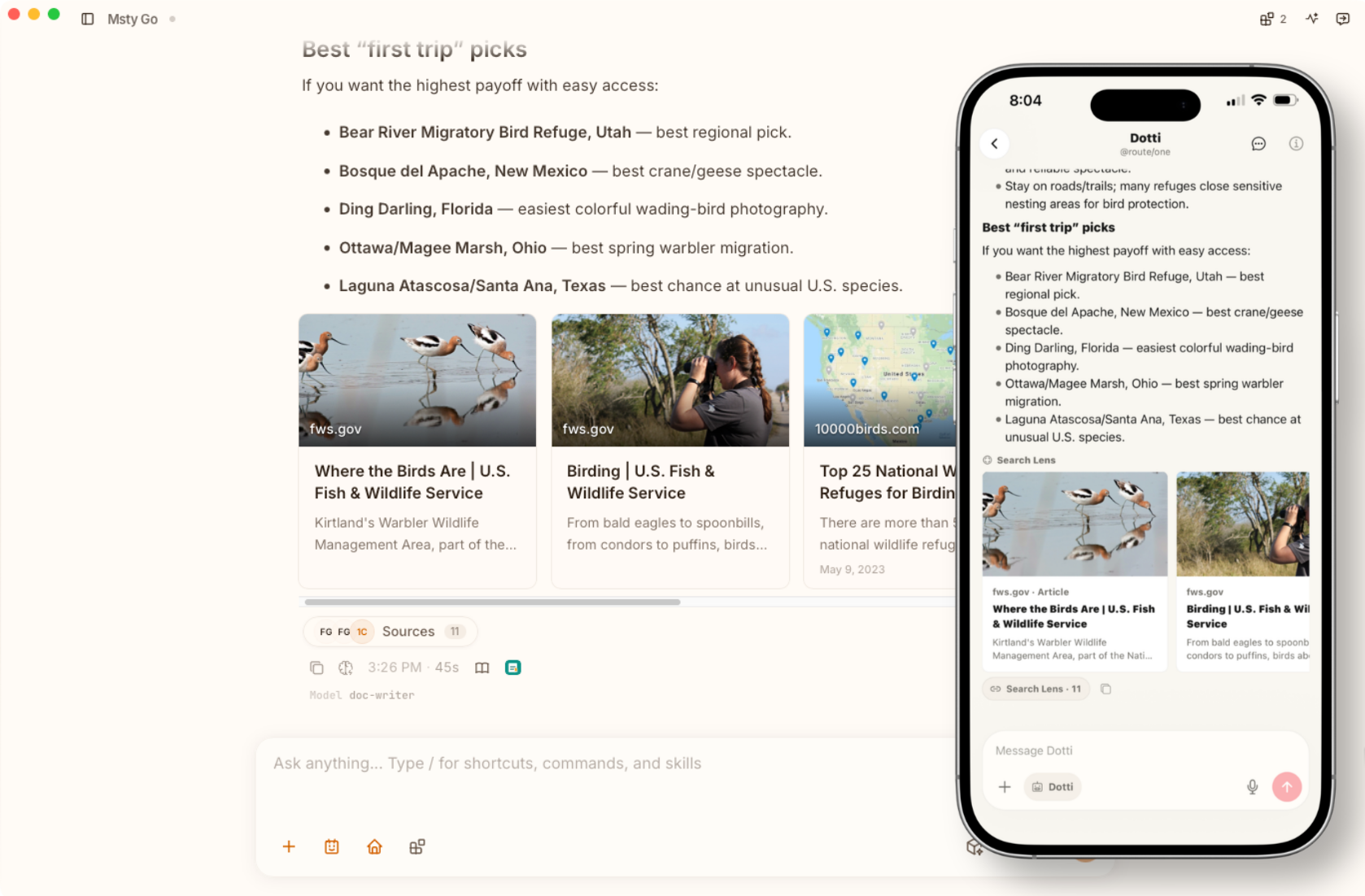
Run Claw where serious work gets done, then stay connected through end-to-end encrypted Msty Claw Go when you step away.
Use Claw on macOS, Windows, or Linux where your files, tools, approvals, and day-to-day work already live.
Use end-to-end encrypted Msty Claw Go to respond faster, start conversations, and keep priority work moving from mobile.
Use Cloud Sync, trusted devices, pairing, and revocation controls to keep cross-device access seamless and intentional.


Separate live working context from lasting knowledge so Claw remembers what matters without dragging old noise into every run.
Working Brief keeps the active task organized while the work is still moving and decisions are still being made.
Store durable context like preferences, decisions, and constraints so good context does not get lost between runs.
Promote useful memory from folder chats so future work begins with context instead of re-explaining everything.


Capture successful work as playbooks so teams can repeat it with less guesswork, less drift, and more confidence.
Begin with built-in starters, custom playbooks, or teach-mode sessions based on work that already proved itself.
Match each playbook to the agent whose permissions, runtime, and style fit the work best.
Use what actually happened in past runs to sharpen playbooks instead of guessing what should change next.


Schedule recurring jobs and create quick commands so high-frequency work gets done faster without building a whole system around it.
Launch work once, on a schedule, or through repeatable playbook automation when the workflow is ready.
Monitor the sources you care about and surface useful changes without burying teams in noise.
Create slash shortcuts for common instructions so teams can move faster and stay more consistent.


Use MCP, web search, Skills Hub, and Context Scout to connect systems, surface context, and turn prompts into useful action.
Link Claw to MCP servers and external tools so it can work with the systems your team already depends on.
Use Context Scout to gather the most relevant workspace context before a run starts, so answers stay grounded.
Browse and manage skills from inside Claw so you can extend what agents can do without leaving the workflow.


Claw helps you keep context lean, replies focused, and model use intentional so you spend less time and fewer tokens getting to a useful result.
Use Context Scout to surface the most relevant files and code before a run, so prompts stay grounded without ballooning every prompt.
Use Side Chat for summaries, clarifications, and next steps that pop up mid-work, so you get the answer you need without muddying the main conversation.
Use Caveman Talk and smart model assignments to keep quick replies light, while reserving your most capable models for the jobs that truly need them.


Mix local and cloud models in one workflow so you can balance speed, privacy, cost, and output quality with less manual overhead.
Choose a simple, fallback, or local-first provider setup based on the reliability and cost profile you want.
Send memory, summaries, scouting, and replies to the models that best fit your speed, quality, and budget goals.
Use guided setup, model downloads, startup controls, and health checks for supported local stacks.


Set clear boundaries around who can trigger agents, what they can touch, how PII gets protected, and where they can connect before work goes live.
Define who can invoke agents and shared channels before you open workflows to broader teams or production use.
Limit every agent to the project areas it actually needs and keep sensitive paths off-limits.
Use local PII scrubbing and Airlock policies to keep sensitive data protected before prompts leave your device or agents browse the web.


Extend proven local workflows into Discord, Telegram, WhatsApp, and Claw Go so teams can respond faster without changing habits.
Create presets for platform, destination, trigger words, and access rules so new routes are quick to launch.
Use Msty Claw Go when important workflows need quick operator response away from the desktop.
Keep workflows local until there is a clear reason, audience, and security plan for remote routing.


Move between desktop and mobile with end-to-end encrypted sync, trusted device controls, and clear recovery options.
Use end-to-end encrypted sync when continuity matters and privacy cannot be an afterthought.
Review trusted devices, pending approvals, and removal options so access stays intentional over time.
Decide whether this device, cloud state, or a merge should win before you sync, so nothing important gets overwritten.


Msty Claw Beta
Install Msty Claw in minutes, connect your workflows, and run autonomous tasks with privacy-first controls.
Free for personal use in beta.
Built For Real Work