
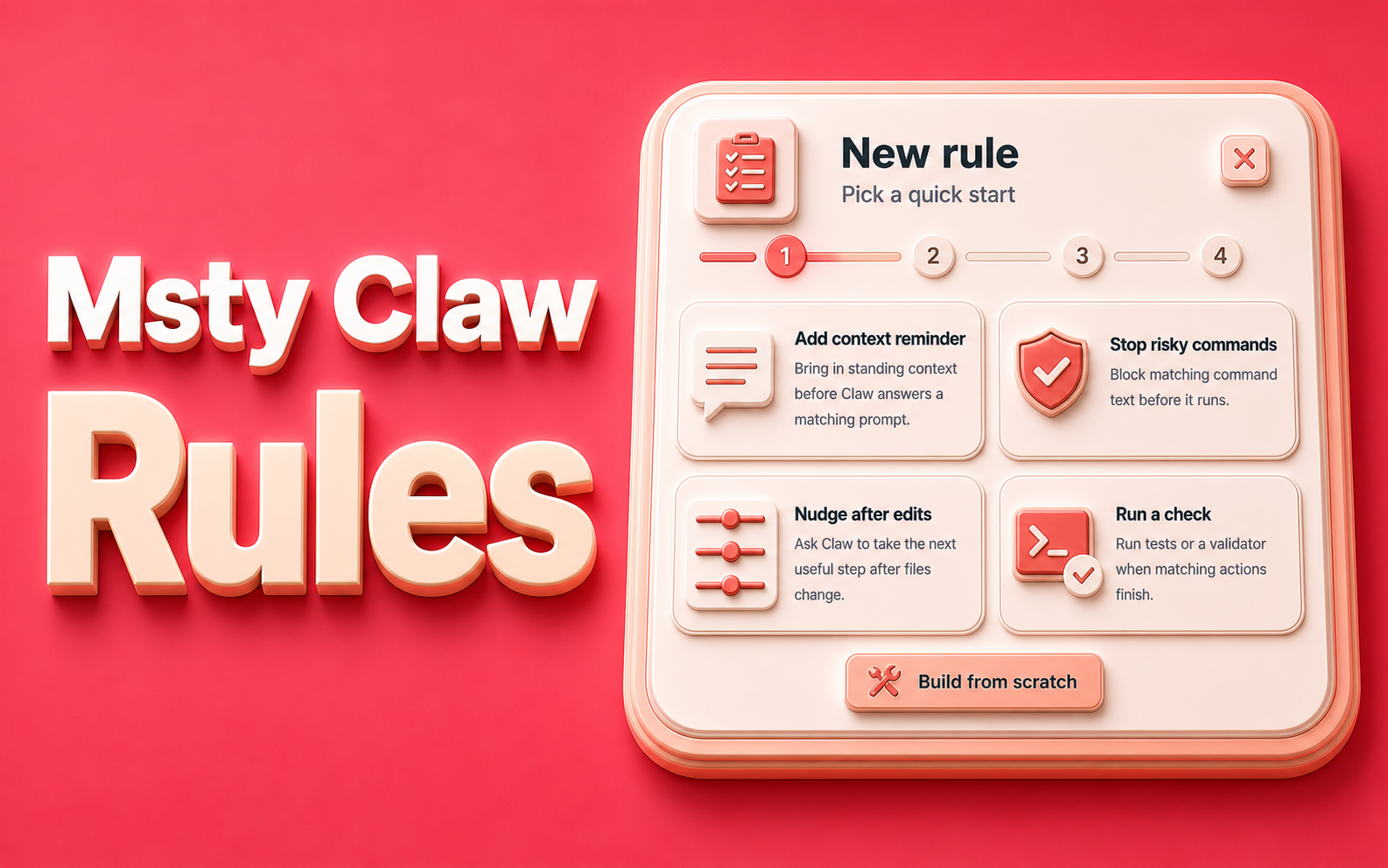
Repeated instructions make AI workflows slower and less consistent. You explain how you want something handled, start a new chat, and then have to explain it again.
Rules in Msty Go turn those repeated instructions into reusable behavior. Create a rule once, choose when it should run, and let Msty Go apply it at the right point in your workflow.
For developers, Rules work much like hooks. They can run when a chat starts, before Go replies, before an action runs, or after an action finishes.
Here’s how those triggers become reusable, predictable workflows.
How Rules work
Every rule has three parts:
- Event: When the rule should run.
- Conditions: Which prompts, commands, actions, or results should match.
- Outcome: What Msty Go should do when the rule matches.
Outcomes can add guidance or notes, block an action, ask Msty Go to follow up, or run a command. This makes Rules useful for both everyday preferences and important workflow safeguards.
Why Rules matter
AI assistants are more useful when they consistently follow the way you work. Without Rules, you may repeatedly type instructions such as:
- Keep the response concise.
- Follow the release checklist.
- Do not run matching commands without stopping first.
- Review file changes after an edit.
Rules move those expectations out of individual prompts and into reusable product settings. The result is less repetition, more predictable behavior, and fewer missed workflow steps.
Six practical ways to use Rules
The following examples cover the main rule events and outcomes available in Msty Go.
1. Add guidance before Go replies
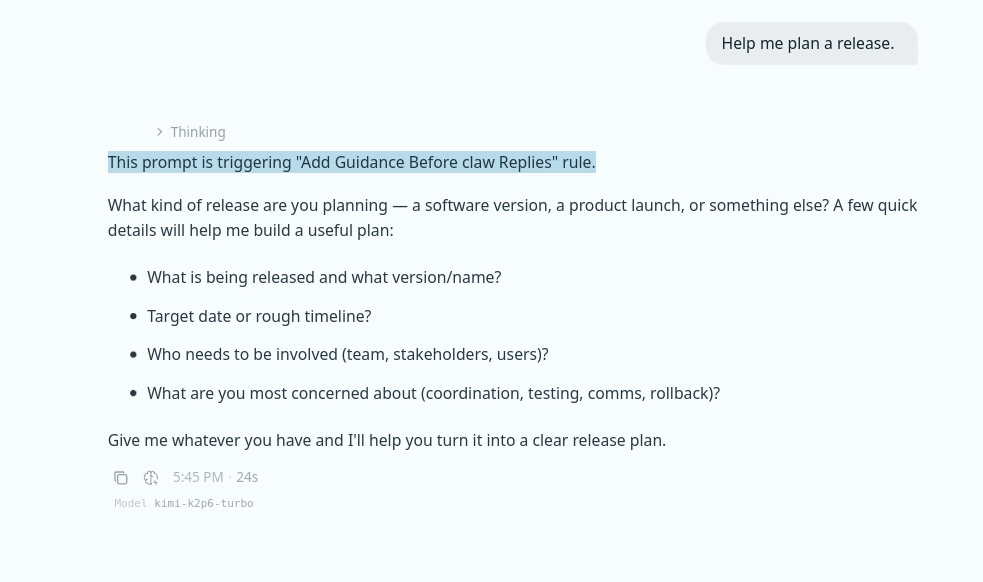
Use this event to apply guidance before every matching response. For example, a rule matching the word release could tell Go to ask about testing, rollback plans, stakeholders, and timing before it builds a release plan.
Use the Prompt contains condition to target a word or phrase. Leave it empty when the guidance should apply to every prompt.
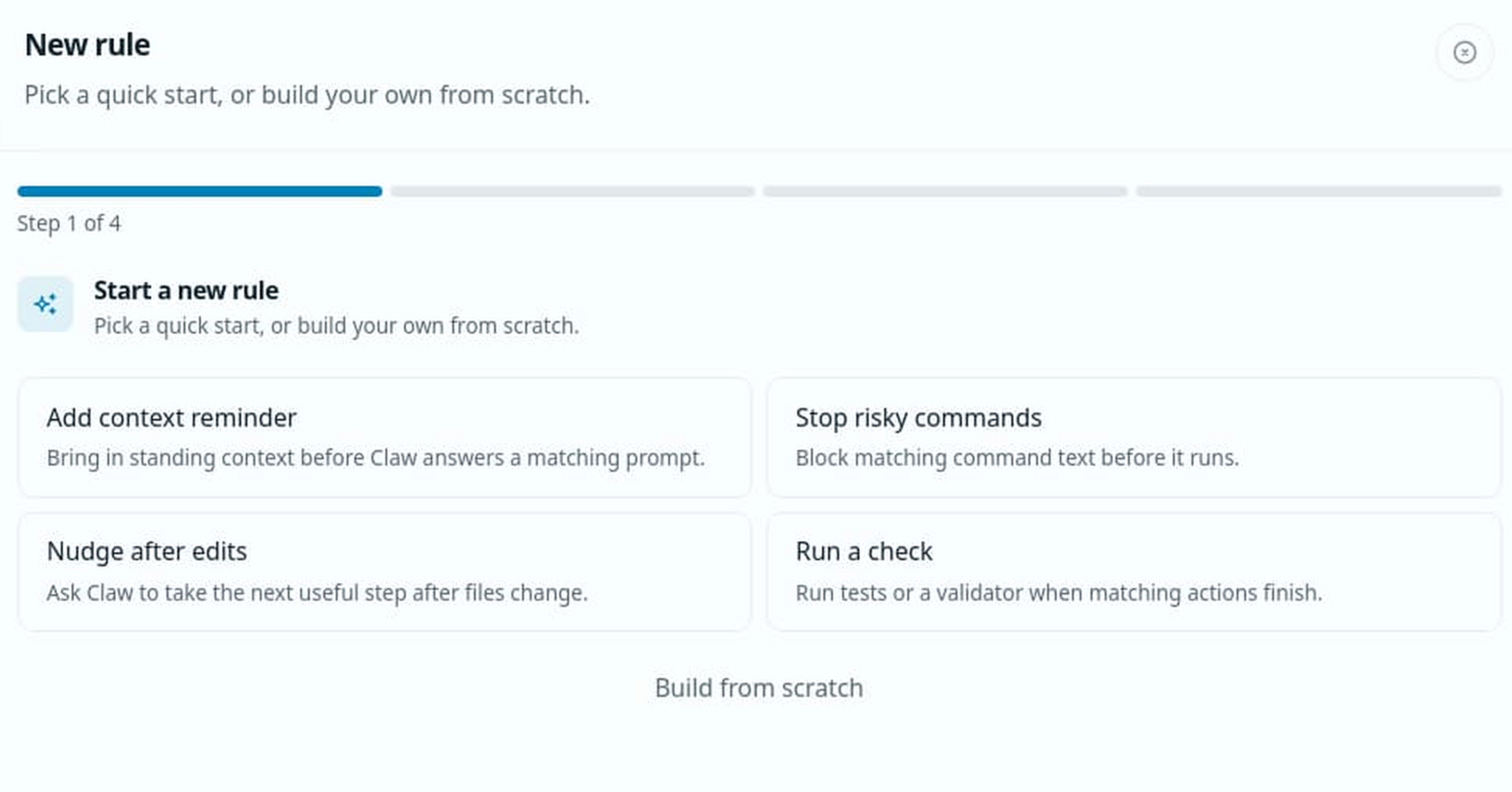
Setup: Settings → Rules → Add → Add context reminder → Event: Before Go Replies → Then: Add Guidance
2. Add guidance when a chat starts
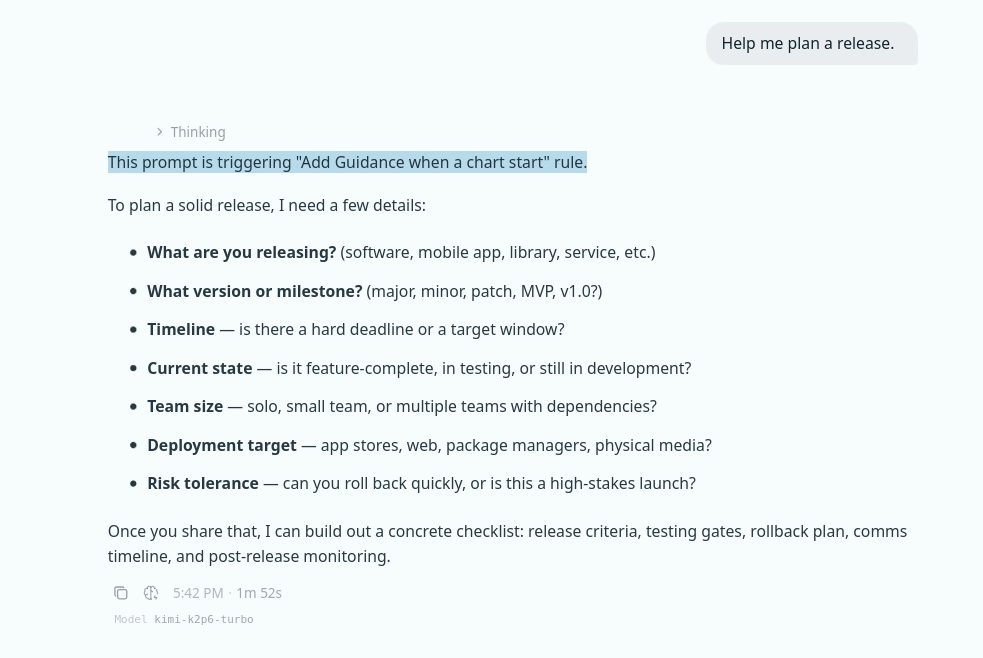
This event runs once, when the first prompt starts a new chat. It is useful for initial instructions that should shape the conversation without being added before every response.
For example, a release-planning rule can establish the checklist Msty Go should follow at the beginning of a matching conversation.
Setup: Settings → Rules → Add → Add context reminder → Event: When a Chat Starts → Then: Add Guidance
3. Block risky commands before they run
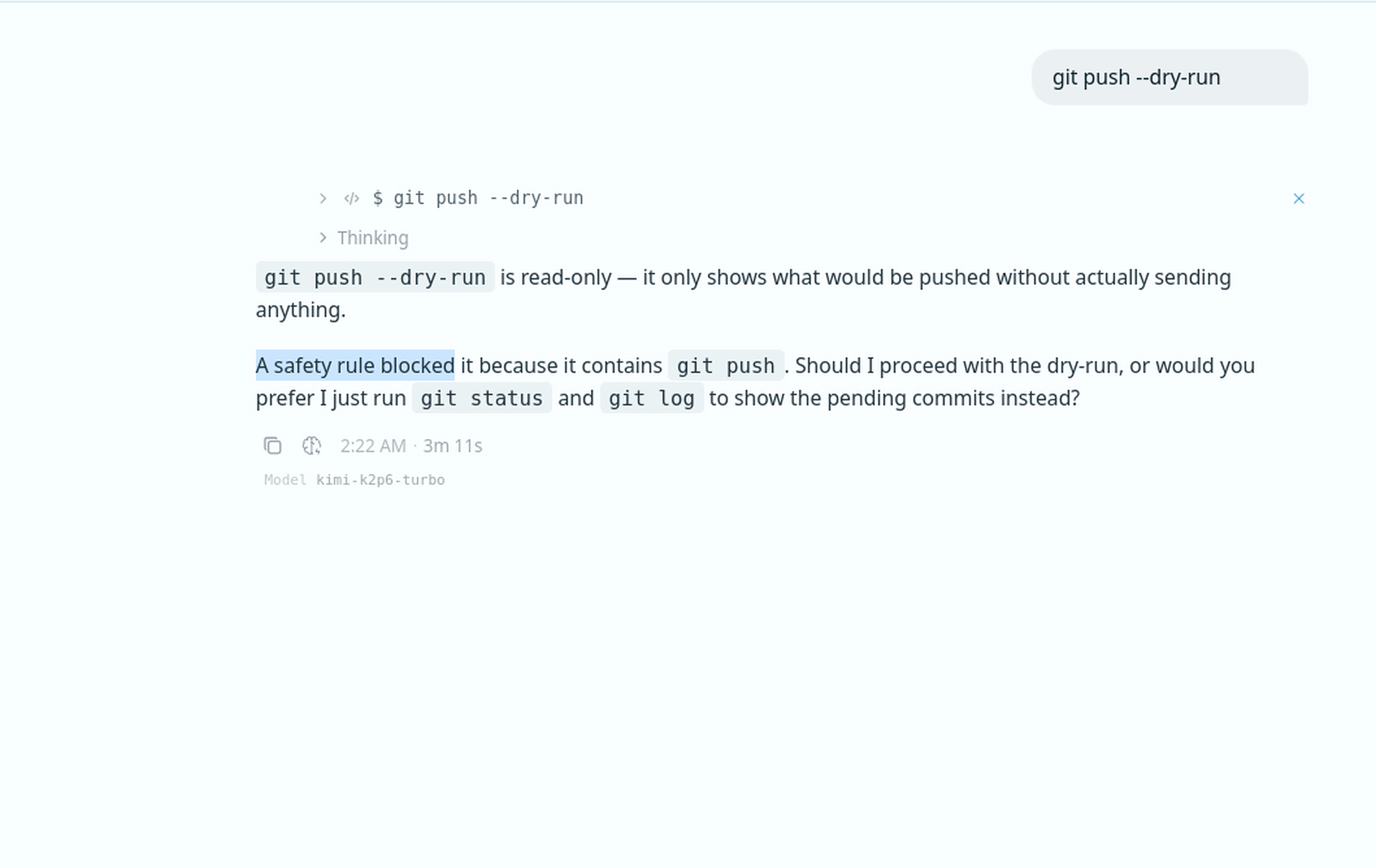
Use Stop an Action to prevent matching commands or actions from running. A rule matching git push, for example, can stop the command and let Msty Go explain why it was blocked or suggest a safer alternative.
Keep blocking conditions specific enough to catch the risky operation without stopping unrelated commands.
Setup: Settings → Rules → Add → Stop risky commands → Event: Before an Action Runs → Then: Stop an Action
4. Run a check before an action
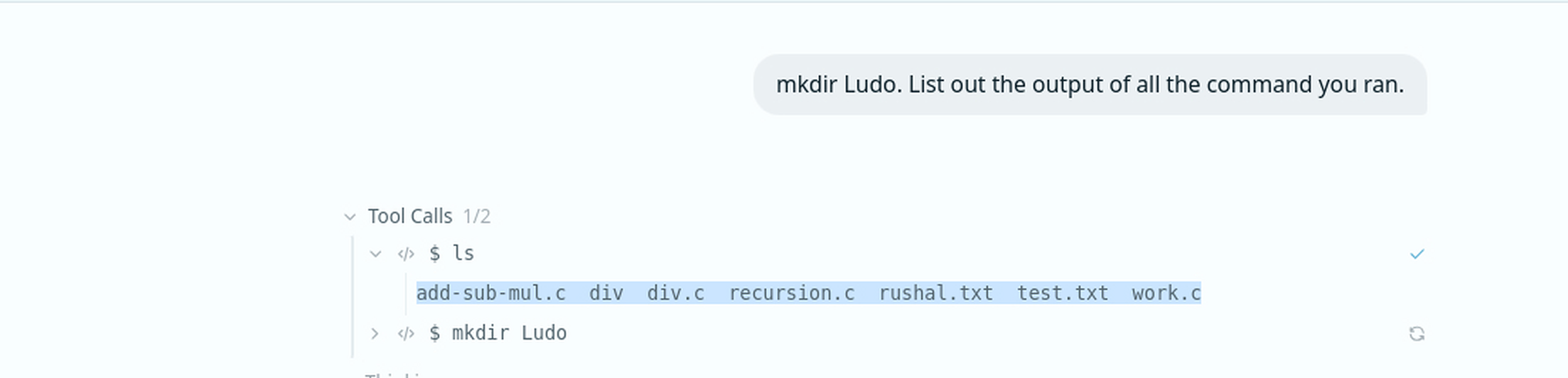
Rules can also run a command before a matching action. This is useful for lightweight checks that should happen before work proceeds.
For example, run git status before a Git operation, list a directory before changing its contents, or validate the current environment before starting a tool call.
Setup: Settings → Rules → Add → Build from scratch → Event: Before an Action Runs → Then: Run a Command
5. Ask Go to follow up after an action
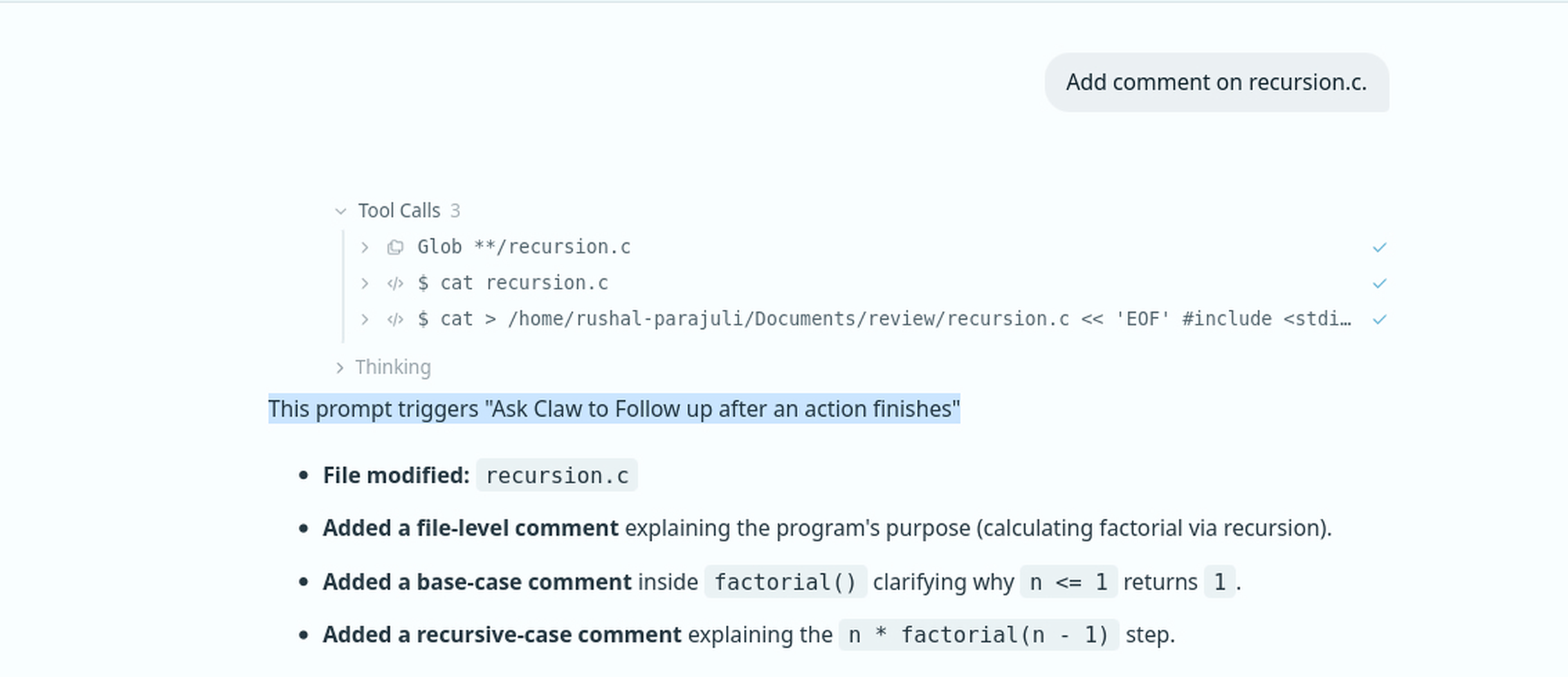
Use this outcome when Msty Go should take another reasoning step after completing a matching action. After editing a file, for example, Msty Go can summarize the change, review the result, or identify the next useful step.
Setup: Settings → Rules → Add → Nudge after edits → Event: After an Action Finishes → Then: Ask Go to Follow Up
6. Run a command after an action
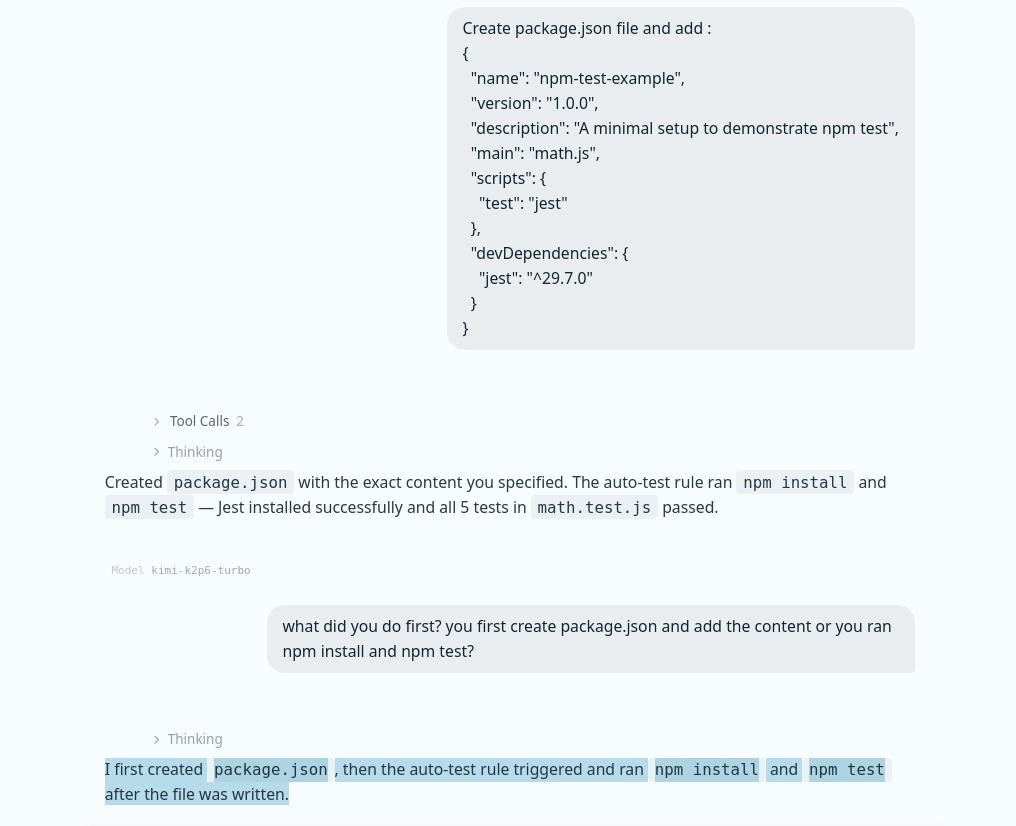
Use a post-action command for checks that should run after matching work completes. For example, after creating or updating package.json, a rule can run npm install followed by npm test.
This can turn testing, formatting, validation, or status checks into a consistent part of the workflow.
Setup: Settings → Rules → Add → Run a check → Event: After an Action Finishes → Then: Run a Command
Use command rules carefully
Rules that run commands can change files, install dependencies, or affect external systems. Start with narrow matching conditions, use safe commands while testing, and confirm the rule behaves as expected before applying it broadly.
Less repetition, more consistent workflows
Rules help Msty Go behave more like a configured assistant and less like a blank chat. Use them for standing guidance, safety guardrails, follow-up reviews, and repeatable checks that should happen at specific points in your workflow.
If you repeatedly type the same instruction or manually run the same check, it is probably a good candidate for a Rule.