
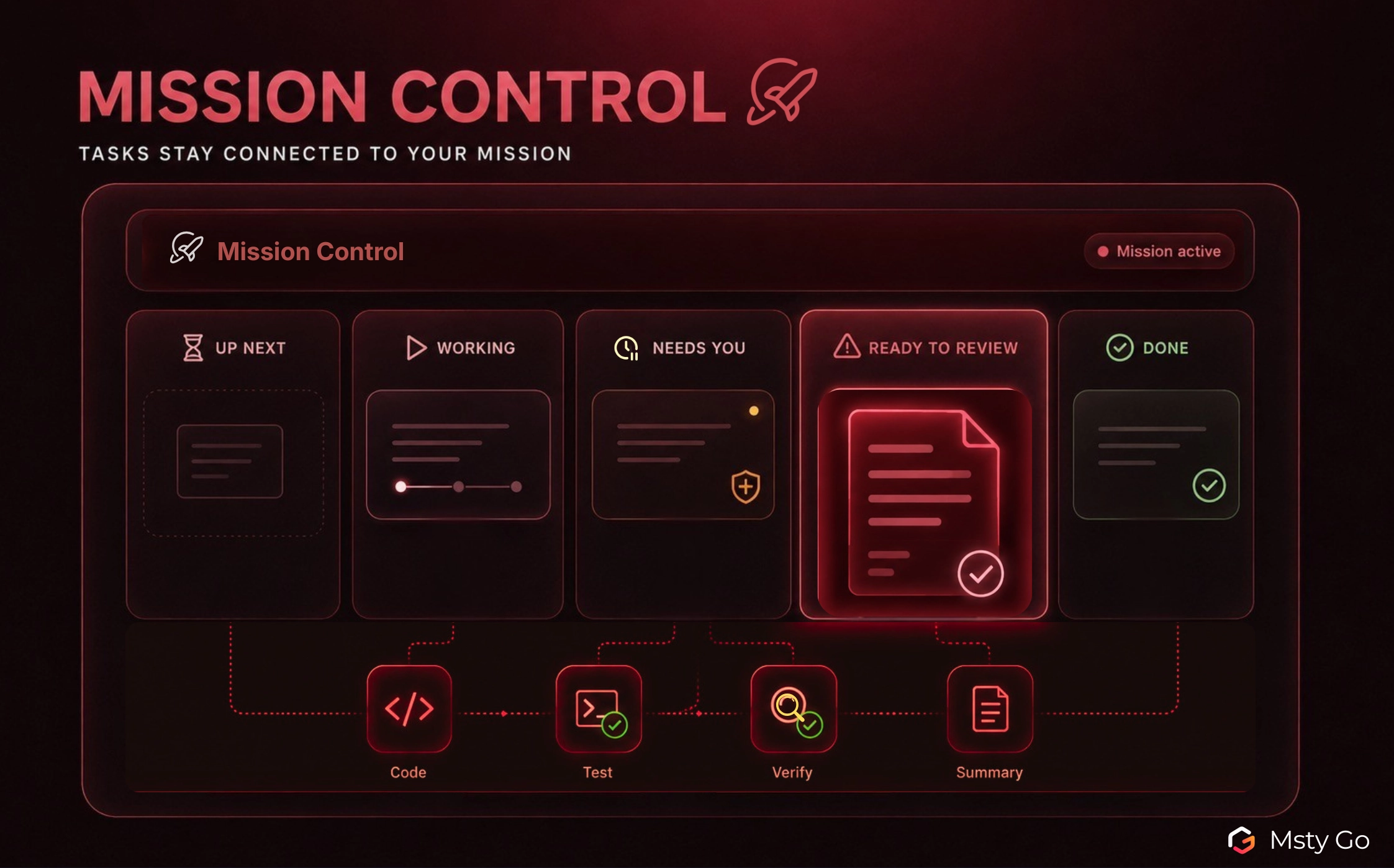
Complex work becomes harder to manage when a simple goal expands into several connected tasks.
A release check, code update, or investigation may involve research, review, testing, verification, summaries, approvals, and follow up. When each part sits in a different conversation, you spend extra time checking status, repeating context, and finding what still needs your attention.
We released Mission Control to give that work a dedicated place inside Msty Go. You set the mission goal, break it into focused tasks, let the right helpers handle each part, and review what comes back before accepting it. Work can continue in the background while the mission stays visible and under your control.
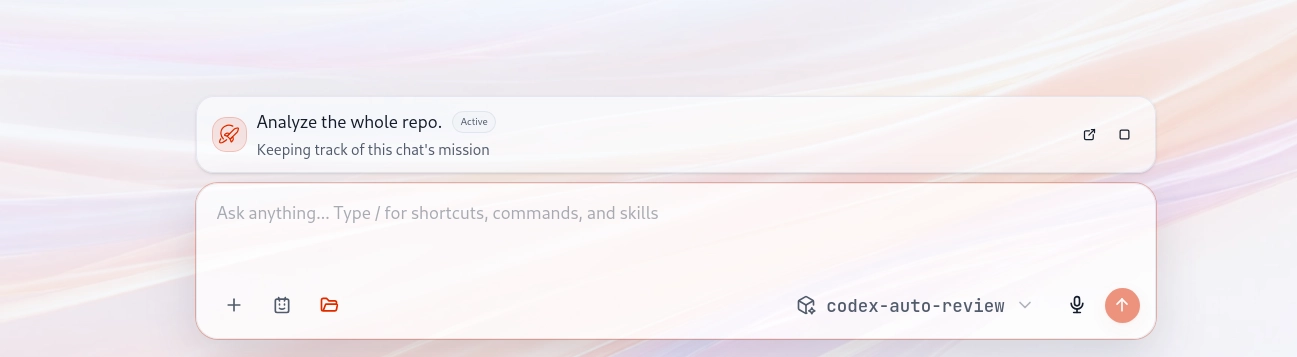
You start Mission Control directly from a message to your agent. Ask it to use sub-agents or helpers to tackle the request, and Msty Go can turn the larger goal into a mission with focused helper tasks.
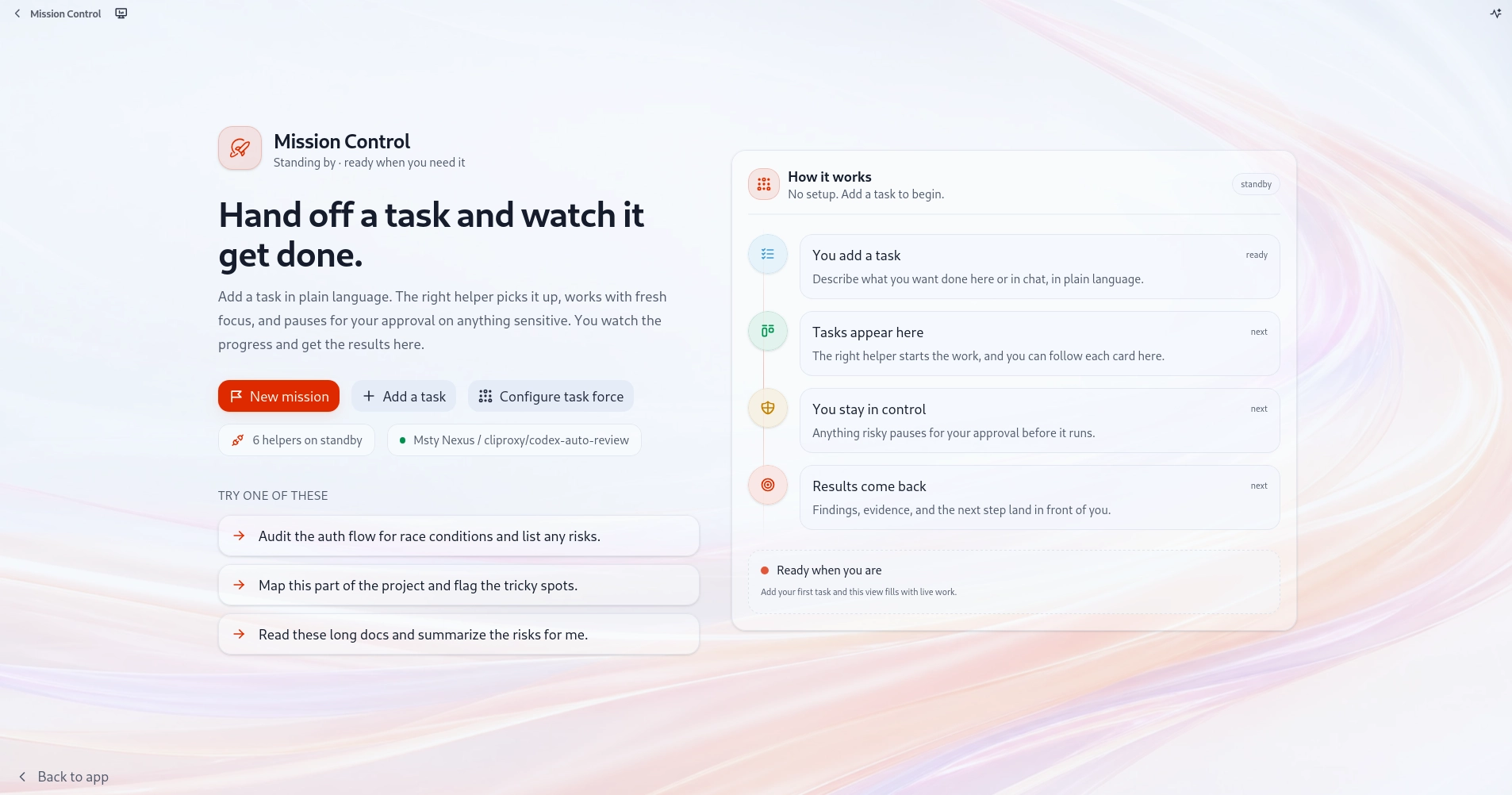
From Scattered Tasks To One Clear Mission
A small request can stay in one conversation, but a mission becomes harder to manage when several tasks start moving at the same time.
Without Mission Control, you have to keep checking:
- which tasks are waiting
- which work is active
- where approval is needed
- what is ready to review
- what still needs a decision
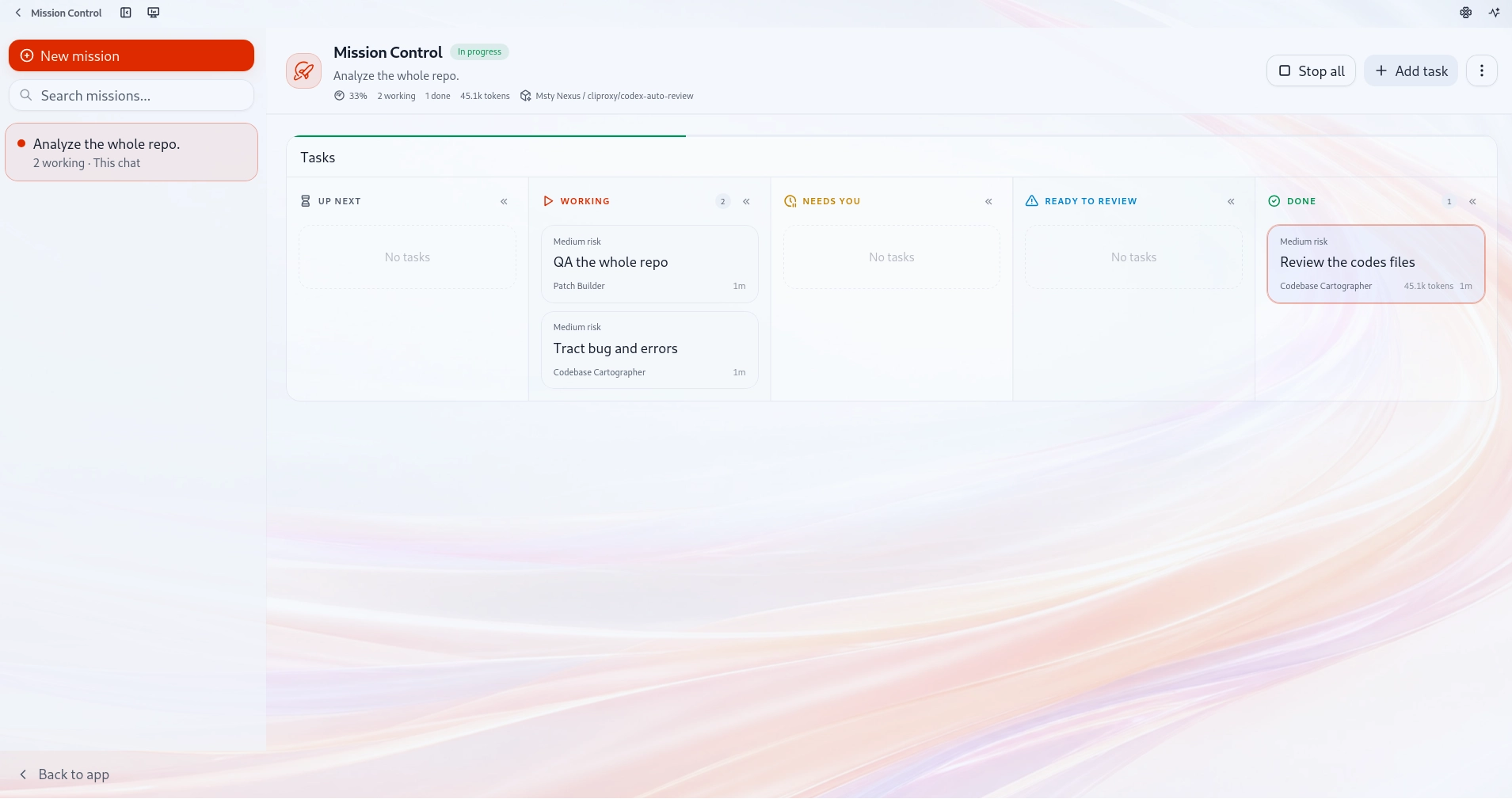
Mission Control brings the mission, tasks, helpers, approvals, and review state into one place. Each task card shows the work, the helper handling it, and its current state.
Instead of checking separate conversations to understand progress, you can see what is queued, what is running, what needs your attention, and what is ready for review from one view.
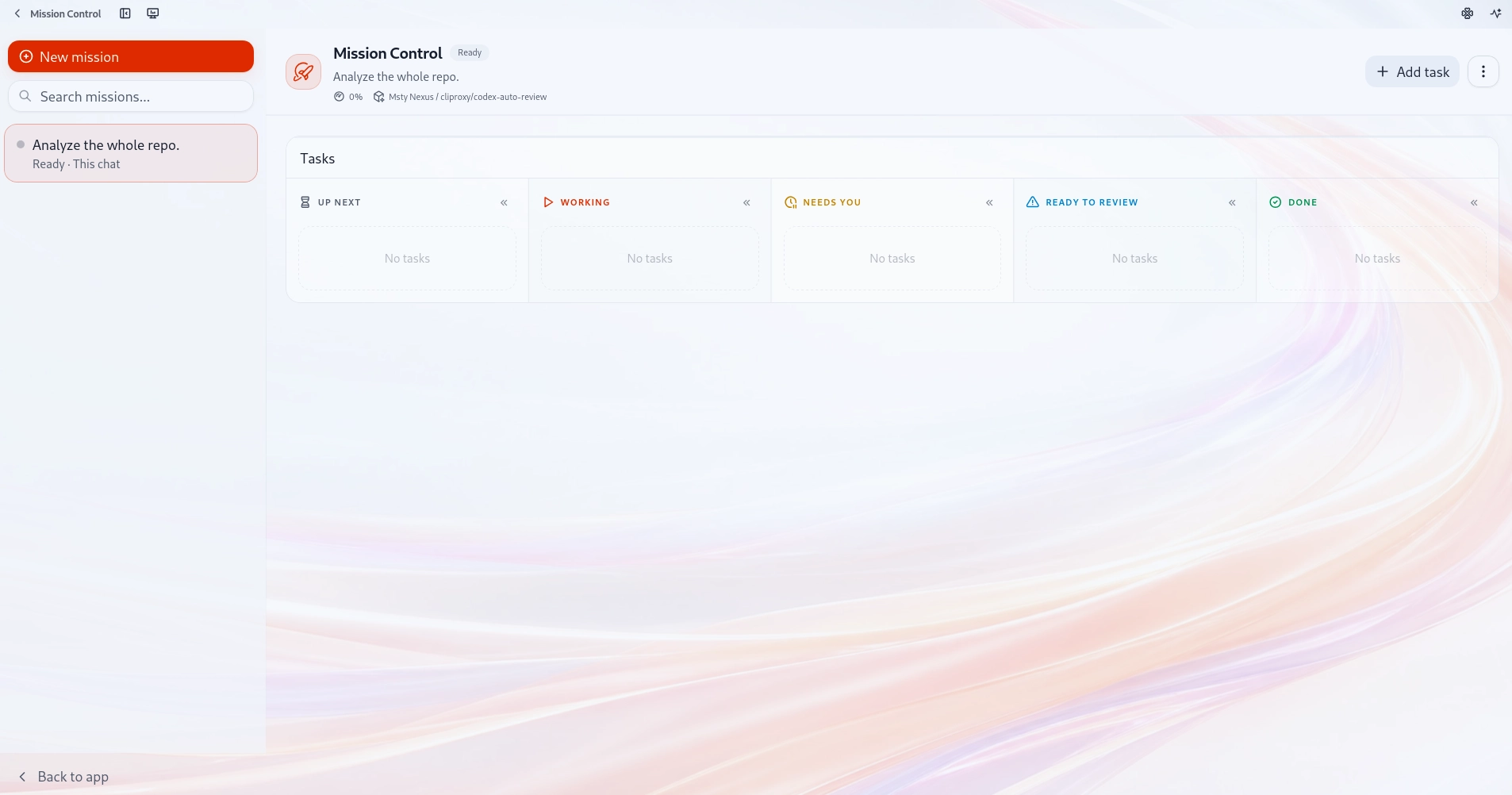
Turning A Goal Into Focused Tasks
Mission Control starts with the goal you want to complete and turns it into a mission, where the work is split into clear tasks.
A task can focus on reviewing code, making a small change, running checks, verifying claims, reviewing a plan, or summarizing long material. Msty Go sends each one to the helper best suited to handle it.
Each task card keeps the work, helper, current state, and next step tied to the mission goal, even when several tasks are active at once. When tasks do not depend on each other, helpers can run in parallel so the mission moves faster than a single linear conversation.
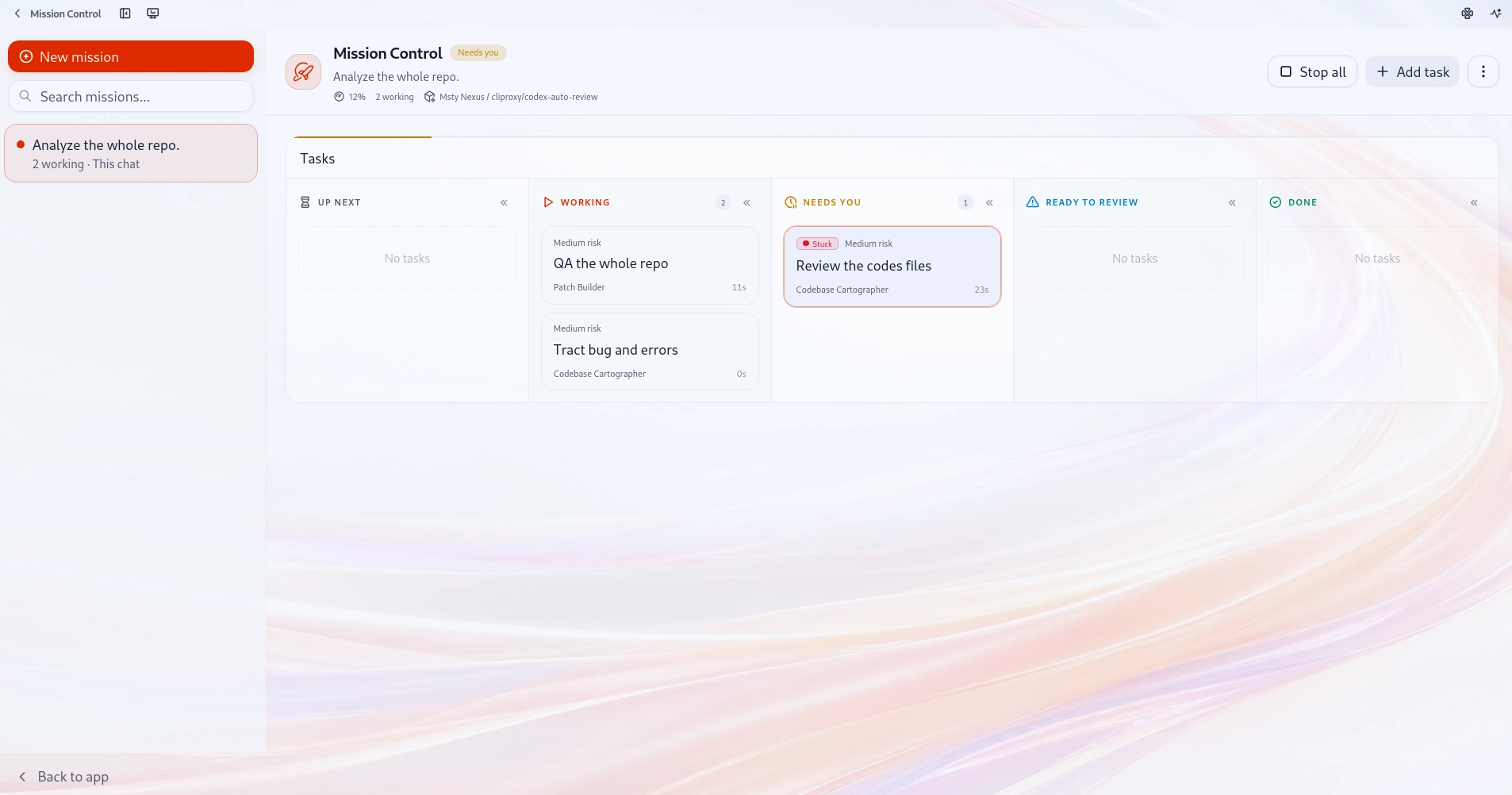
How Mission Control Works
When you add work to a mission, Msty Go keeps it in Up next until a helper is available, then Mission Control assigns the right helper and moves the task into Working.
Each helper receives the mission goal, task details, expected summary, and work boundaries, giving it enough context to stay focused without carrying unnecessary detail into your main conversation.
As work moves through the mission, each task keeps a visible state. Up next shows what is waiting, Working shows what is active, Needs you shows where approval or input is required, Ready to review shows returned work, and Done shows work you have accepted.
A finished task remains in Ready to review with its summary and supporting details, so you can check the work before marking it Done.
Permissions follow the helper and the task, allowing read only work to move with less friction while file changes, commands, web access, or computer control can pause for your approval when needed.
Mission Control saves the mission locally, so if Msty Go restarts during active work, the task is marked as interrupted rather than complete.
Why Mission Control Keeps Active Work Organized
Mission Control is useful when a mission has several tasks that can move forward at the same time while still needing clear ownership, review, and approval.
With Mission Control, you get:
- one mission goal keeps related tasks aligned
- independent tasks can move at the same time
- helpers stay focused on the work they are given
- sensitive actions can wait for your approval
- returned work stays in review until you accept it
- saved mission state keeps progress easier to recover
It gives you more room to work in parallel while keeping status, ownership, approvals, and review connected to the mission.
A More Controlled Workflow For Complex Work
We built Mission Control so complex work in Msty Go can stay organized as it moves across tasks, helpers, approvals, and review.
With Mission Control, your mission goal stays visible while focused tasks move in the background, sensitive actions wait for your approval, and returned work stays ready for your review before being marked Done, giving you a more reliable way to move larger work forward while keeping status, ownership, and decisions connected.