
Turning a detailed idea into a clear prompt can take more effort than it should, especially when there is a lot of context to explain. And when a good idea shows up away from your desk, your work shouldn’t have to wait for your computer.
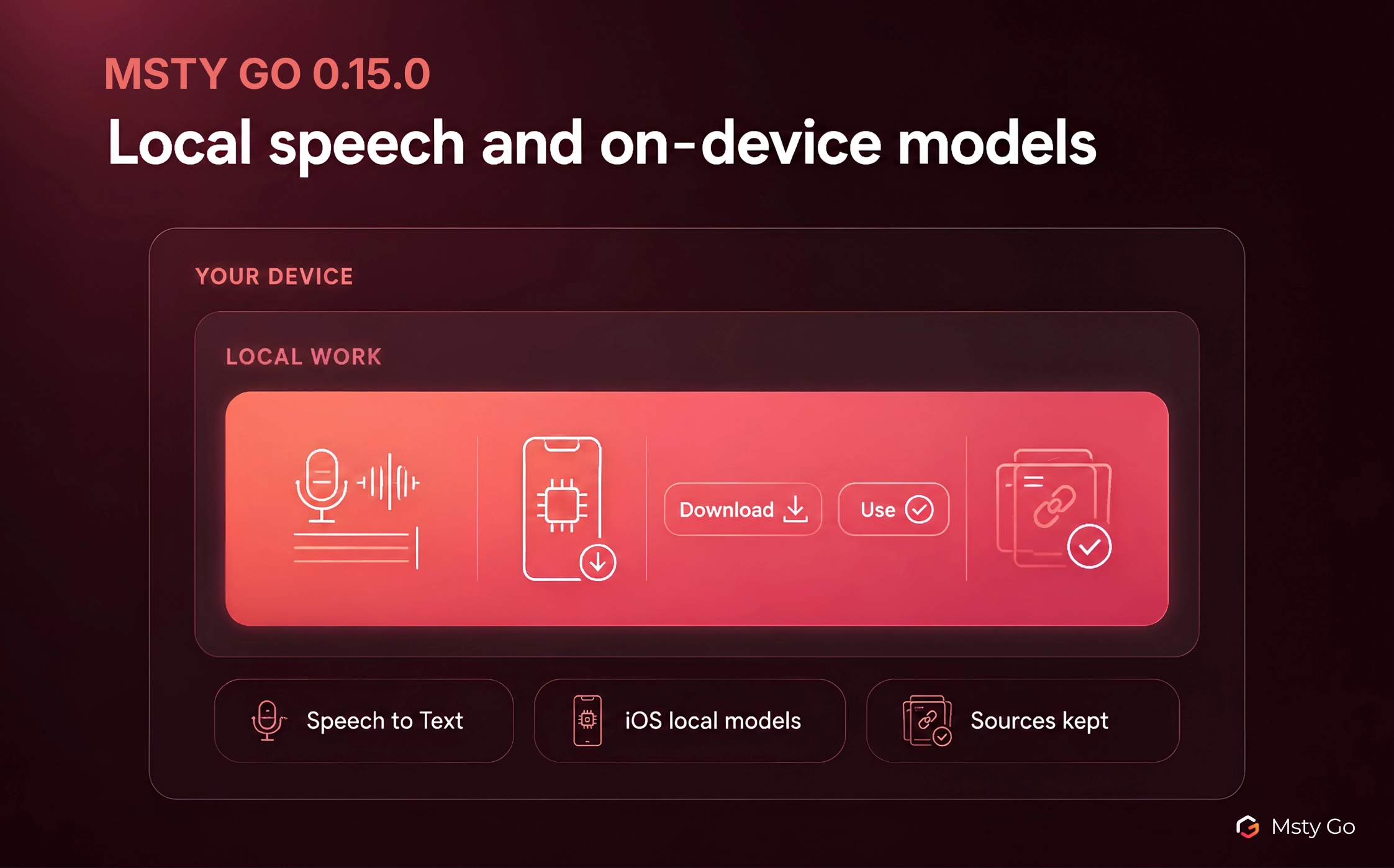
With Msty Go 0.15.0, we are adding local Speech to Text, downloadable on-device models for iOS, clearer speech model setup, and stronger source handling. This release is built to make input faster, local mobile work more practical, and source-backed answers easier to verify.
Talk to Msty Go Instead of Typing
Local Speech to Text is available in Msty Go on your computer.
Longer prompts often include background, requirements, examples, and follow-up details, which can make typing feel slower than explaining the task. You can add that context by voice and turn it into editable text in the prompt area, where it is easy to review or adjust before sending.
Turning it on takes one visit to Settings. Open Settings → Managed Services → Speech to Text and click Set up. Msty Go shows the speech models you can pick from, with a recommended choice. Choose one, download it, and the card shows Ready when it is done. From there, the microphone in the chat box does the work.
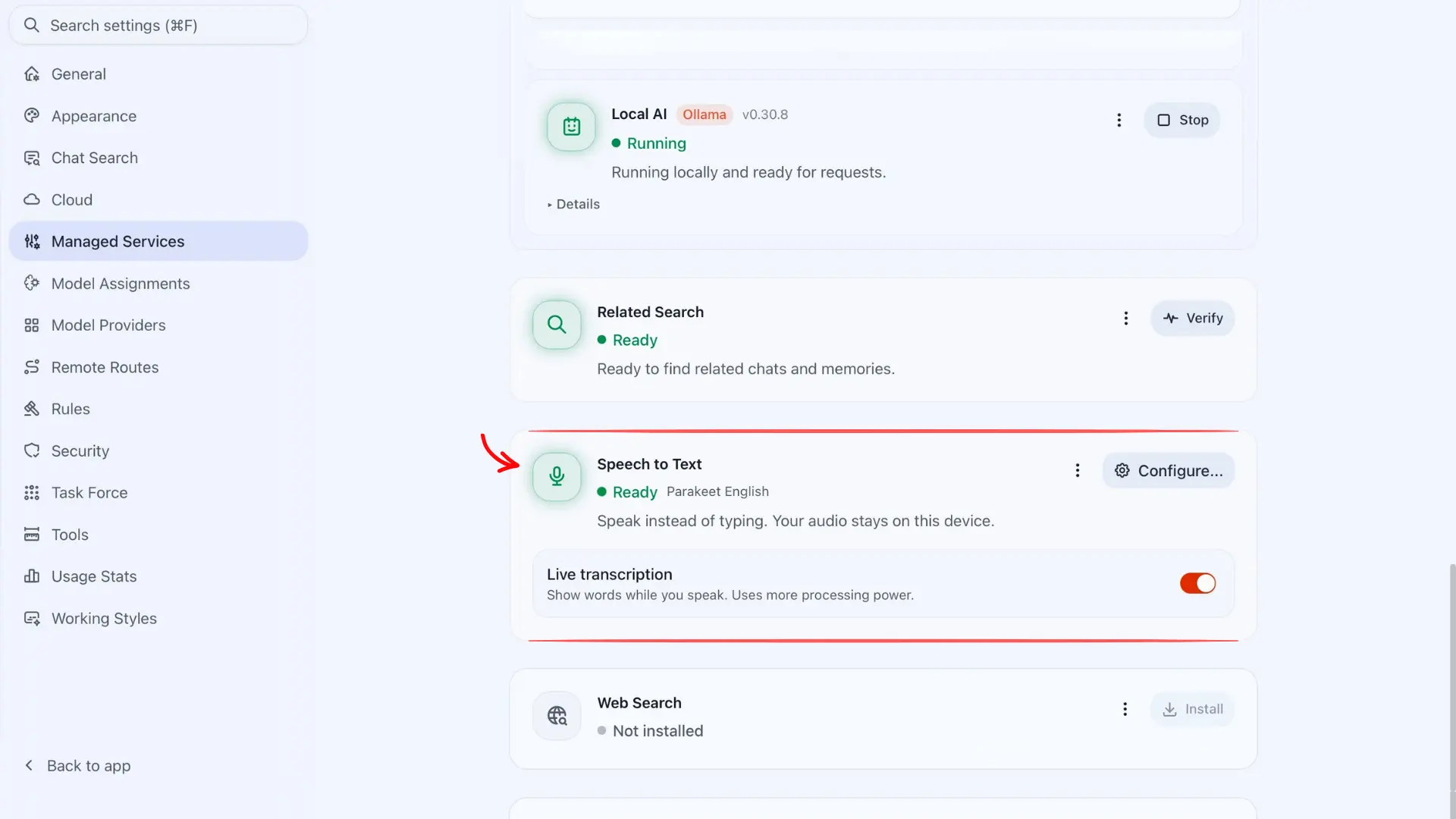
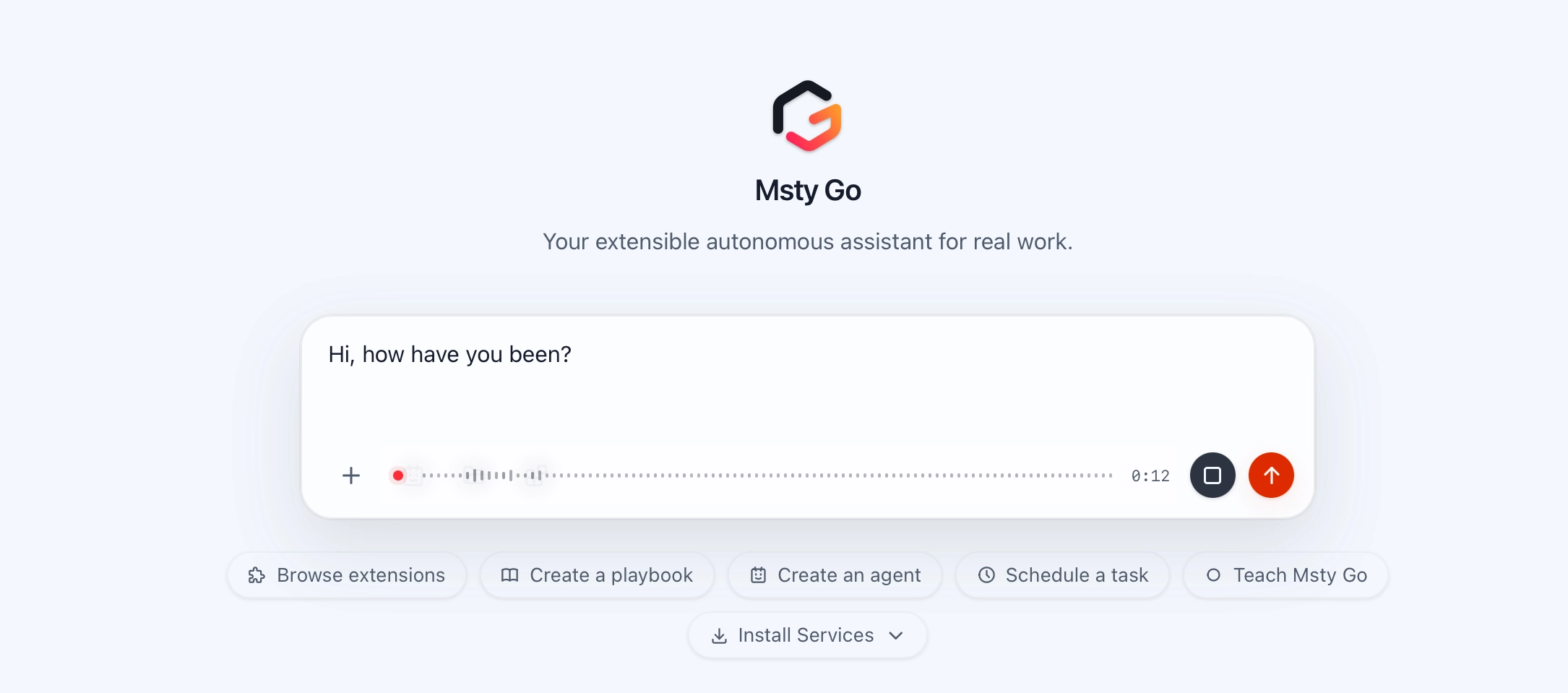
We kept the controls simple, with clear status while you speak, quick cancellation, and speech handling on your device.
Choose Your Speech Model
One model doesn’t fit everyone, so this release gives you several speech models. Download and Use are now separate actions. Download one now, keep as many as you need for different jobs, and make the one you want active whenever you like.
You’ll find them under Settings → Managed Services → Speech to Text → Configure. Each one lists its size, its languages, and whether it supports live text, which shows the words while you’re still talking. The lineup runs from a tiny multilingual download to a larger default tuned for English dictation, so you can balance size, speed, languages, and accuracy.
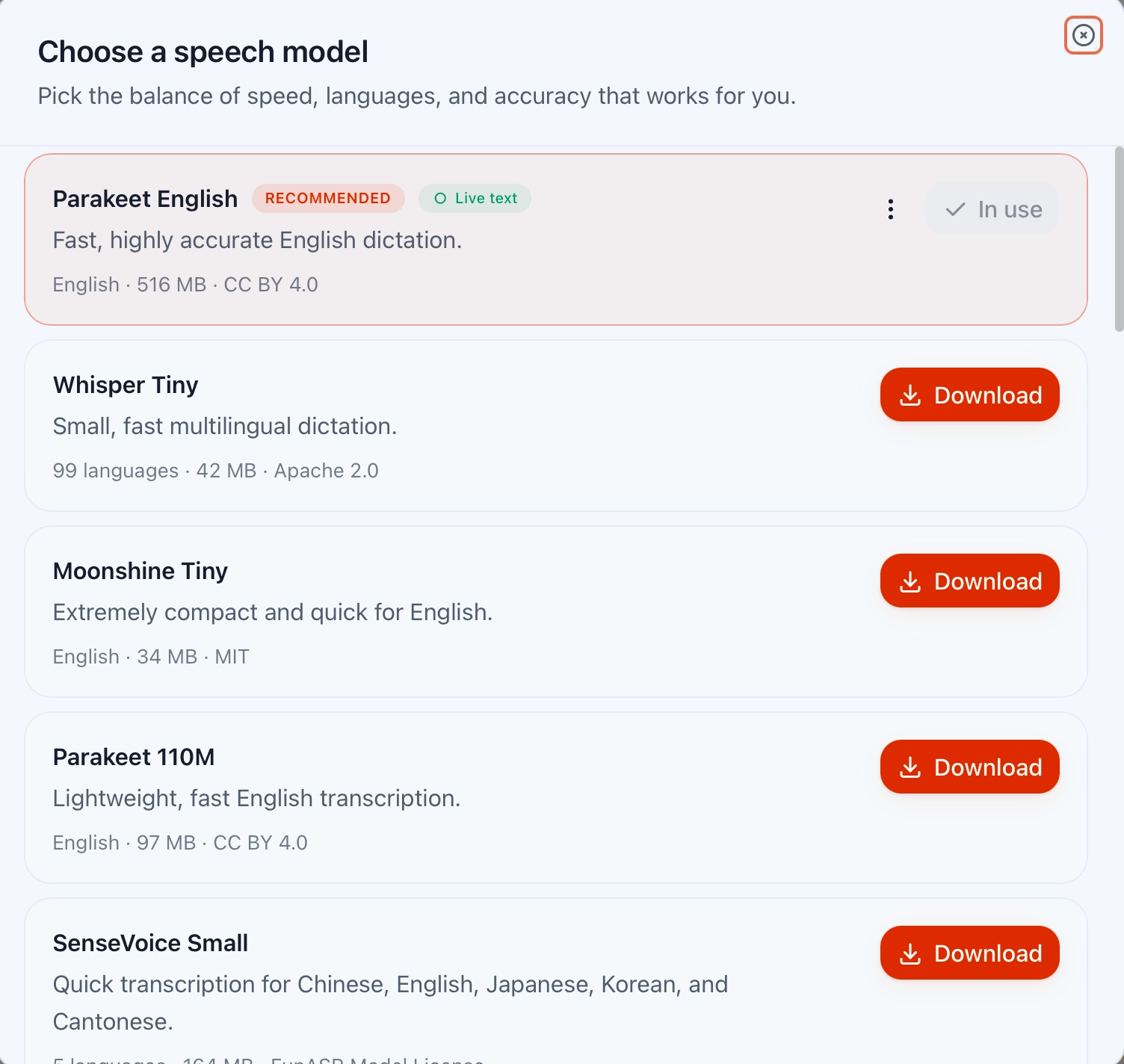
You can cancel a download or delete models you no longer want, and the card always shows which model is active.
If your computer can’t keep up with live text, Msty Go suggests trying a smaller model or turning it off, and a switch in the same card lets you turn it on or off when your model supports it.
Run Models on Your iPhone
Msty Go on iPhone can now run models entirely on the phone, so your chats work wherever you are. On iPhone 15 Pro and newer, Apple’s own model is already there, ready to use with nothing to download.
When you set up Msty Go on your iPhone, choose On this device and Msty Go checks your hardware first, then suggests models that run well on your phone. If you are already set up, tap the model picker in a chat and open Manage models to browse what’s available.
Downloads show the license and check your free space before starting, and downloadable models need an iPhone 15 or newer.
Sources Stay With the Response
When an answer draws on web pages or your saved knowledge, its sources and citations now stay attached from start to finish, while the response is still coming in and after you reopen the chat later.
The Sources list under a response is easier to review when you want to check where a claim came from, with repeated sources collapsed into one entry, useful details kept, and links and references easy to open when you need to verify what supported the response.
Msty Go Has a New Look
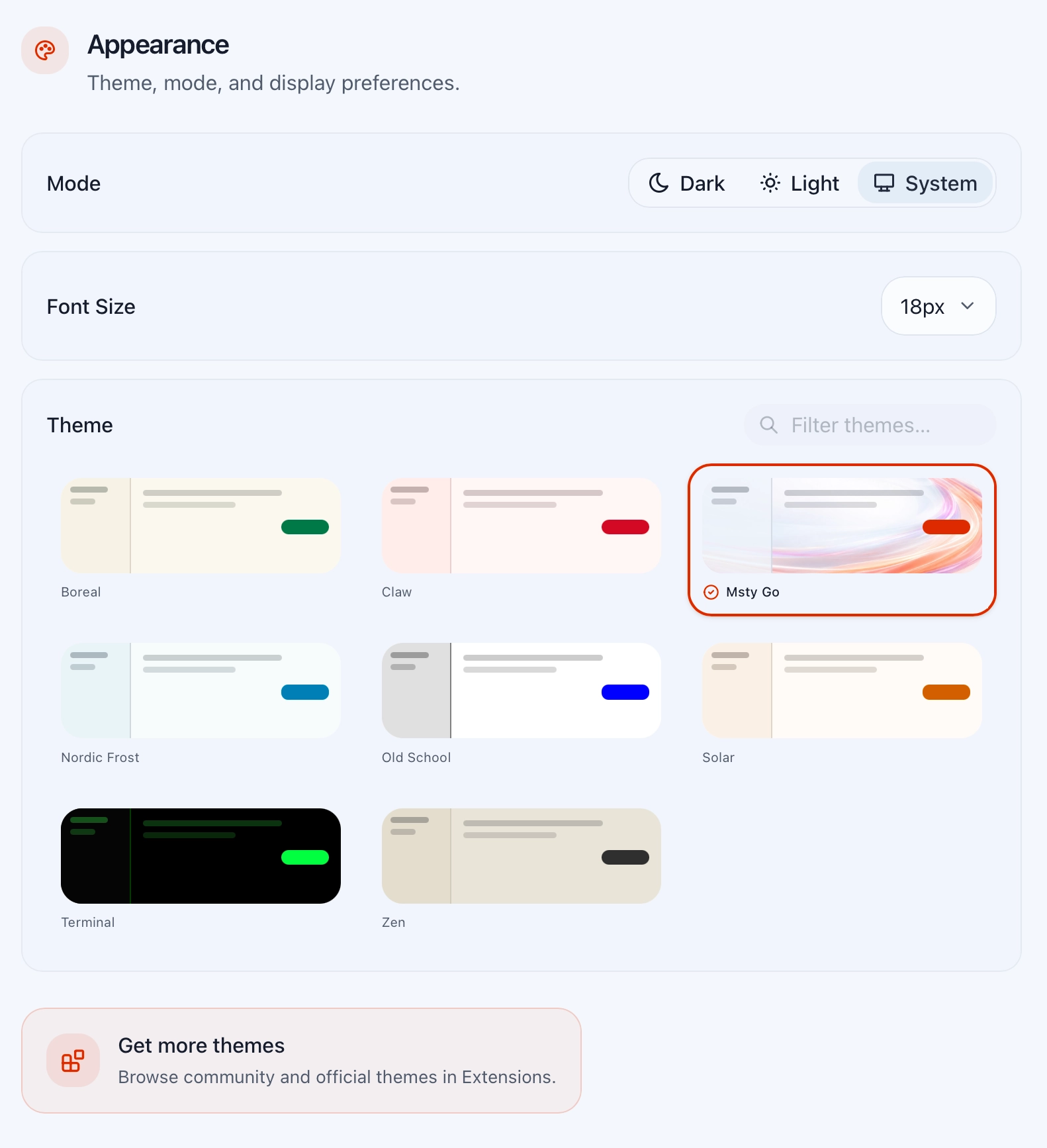
The Msty Go theme is now the default, with new splash visuals to match. In Settings → Appearance you can pick the accent color, turn the decorative artwork on or off, and adjust the shapes. If you prefer the old look, Claw is still there.
Daily Go Use Gets More Reliable
The release also brings practical refinements across everyday Go use.
- Files and images work in local chat, so your material comes along when you continue from your phone.
- Connecting to models on your computer is more dependable, including Ollama setups that need an API key.
- Installs and updates are steadier, especially on Windows.
Your Data Moves With You
A lot of you are moving over from the previous app name, so we made that switch safer. Msty Go checks your old data before moving anything and continues on its own if the transfer didn’t finish. When something can’t be transferred, Msty Go explains what happened, with your data left untouched.
Update to Msty Go 0.15.0
You can speak longer prompts instead of typing them, pick the speech model that fits your work, run models right on your iPhone, and check the sources of a response even after you reopen the chat.
Read the full 0.15.0 changelog to see every change included.