
Companies are no longer treating AI usage as a blank check.
Apple, Uber, and Atlassian have all tightened controls on employee AI spending. A cap can stop a surprise bill. It can’t tell you which work needs an online model and which work could run on hardware you already own.
If your company already owns Macs with Apple silicon, part of the answer may be sitting on a desk or in an equipment room. A local model won’t replace every online provider, but it may be enough for routine drafting, document summaries, or structured extraction.
AI Spending Is Getting More Scrutiny
In November, Bloomberg reported that Apple had lowered the daily AI allowance for some engineers from $300 to $200 in October. The company was considering further cuts for some teams while continuing to expand its use of AI. Reuters covered the report.
Uber set a monthly cap of $1,500 per employee for each AI coding tool after using its budget ahead of schedule. Atlassian introduced monthly AI wallets ranging from $500 to $2,000 per employee across several tools. Bloomberg reported on Uber’s cap. The Guardian covered Atlassian’s AI wallets.
Accenture found the same pressure elsewhere. One in three organizations in its research exhaust their token budgets before year-end. The research included a survey of 750 senior executives. Read Accenture’s CIO guide to AI token costs.
The Model Price Is Only Part Of The Bill
A one-off request is easy to understand. Send a document, ask for a summary, and pay for the input and output tokens.
An agent working through a support ticket is different. It may search internal documentation, read several results, call a tool, and make multiple model requests before it drafts an answer. Earlier context and tool results can be sent again with each step. Retries add another round.
A cheaper model can still produce a larger bill when the number and size of requests keep growing.
The useful number is the cost of finishing the work, including retries and human corrections. Token price alone does not tell you that.
Use The Macs You Already Have
Apple silicon uses a unified memory pool shared by the CPU and GPU. With a runtime such as MLX, a Mac with enough memory can run local models for tasks such as summarizing internal documents, extracting fields from tickets, and drafting from approved source material.
The model still has to be good enough for the work. Test it with your own examples. Check the output, response time, memory use, and context requirements. Msty Nexus supports local runtimes including MLX, llama.cpp, and Ollama.
A model can run on an employee’s Mac or on a shared Mac mini or Mac Studio that other people connect to. The second option gives employees access to local capacity without requiring the same hardware on every desk.
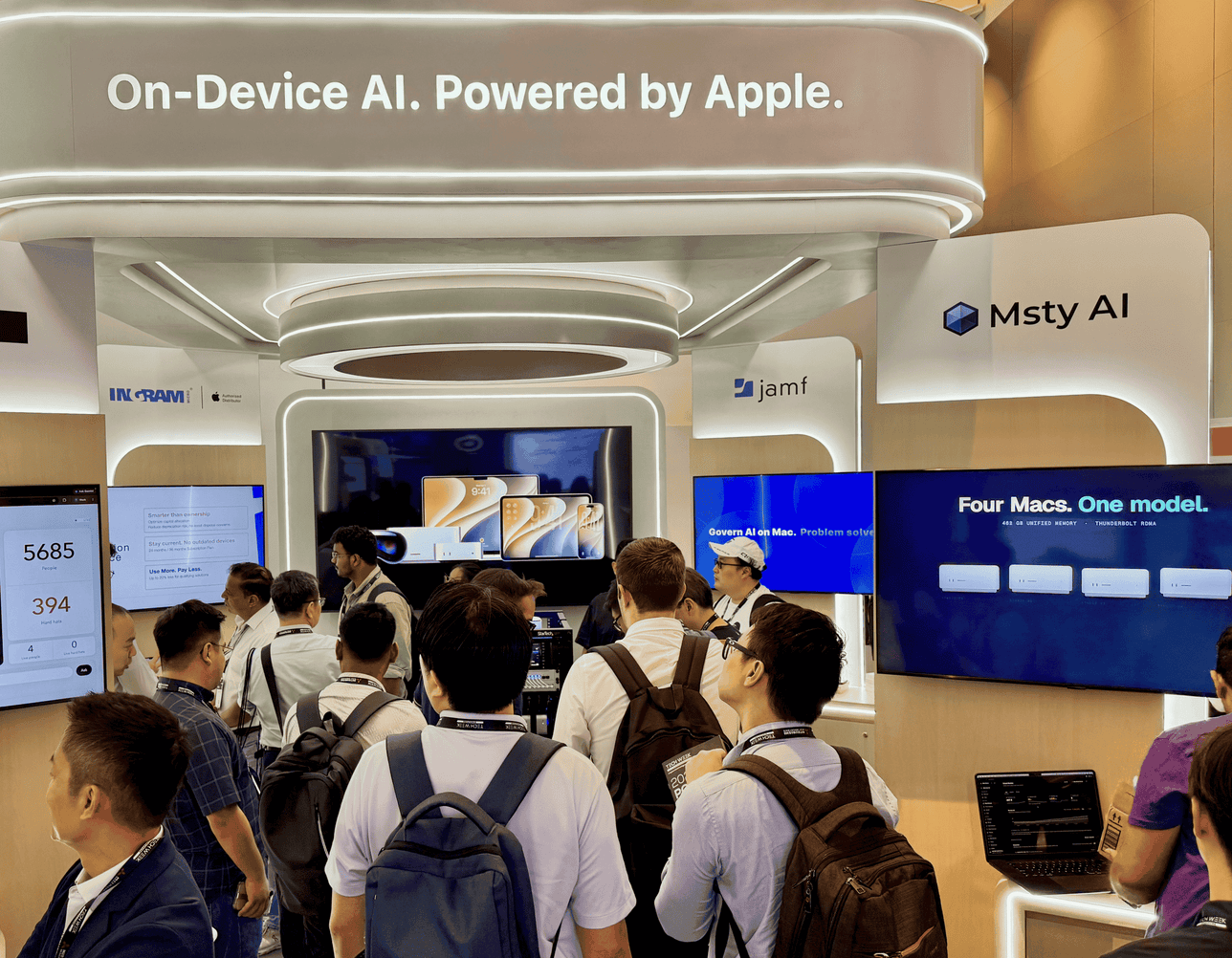
At Tech Week Singapore, we showed the same idea at a larger scale. The Mac Hive combined six Mac minis and eight Mac Studios, with Msty Nexus coordinating inference across all 14 machines. See the Mac Hive from Tech Week Singapore.
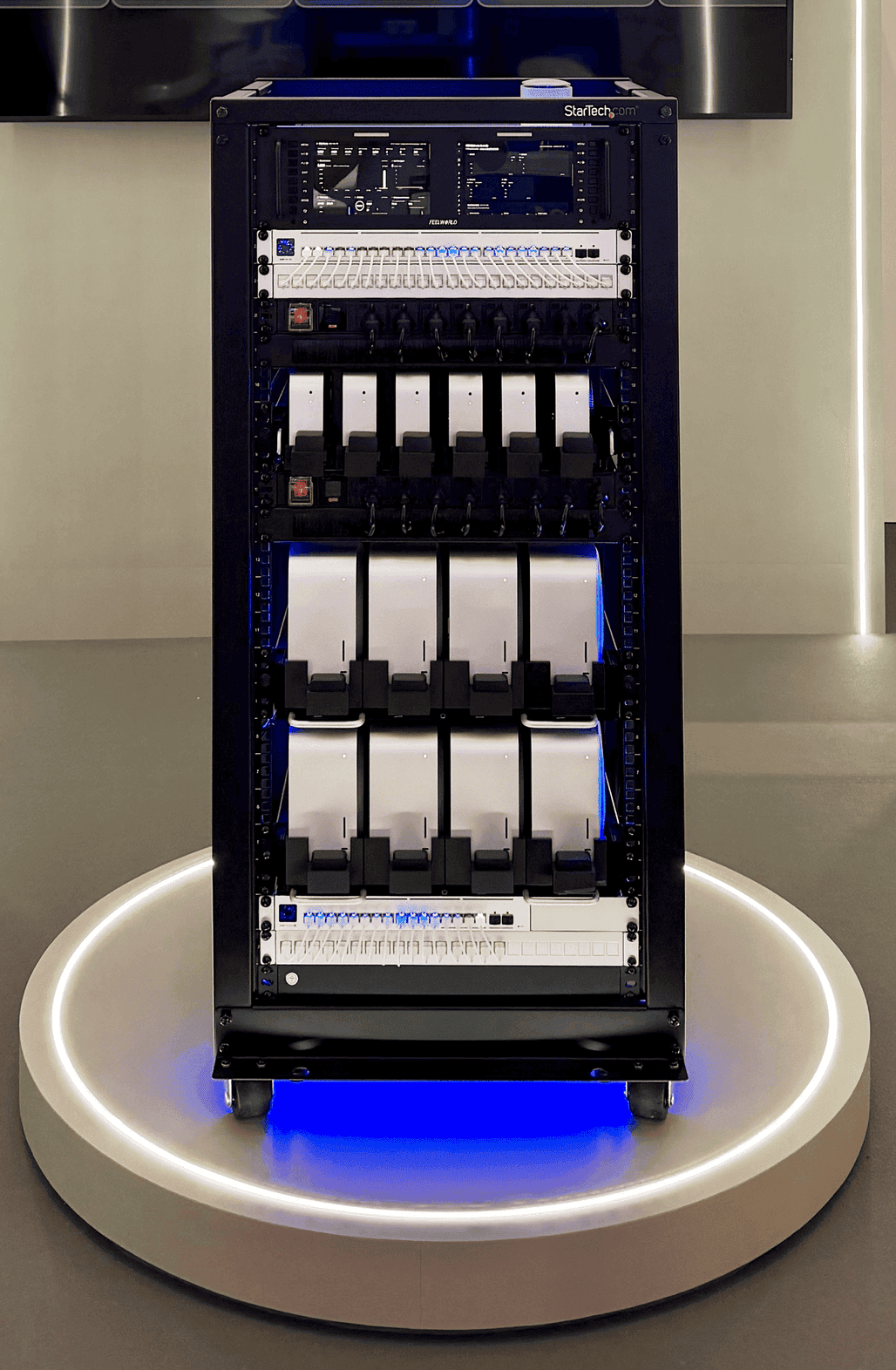
Running a request locally removes the online token charge for that request, but it does not make the work free. Hardware, electricity, software, and operating time still count.
If you already have suitable Macs with spare capacity, start there. If you plan to buy hardware, include the full cost before comparing it with an online provider.
Put Local And Online Models Behind One Gateway
A local model isn’t very useful to a team if only the person sitting beside the machine knows how to reach it.
Msty Nexus puts approved local models and online providers behind one gateway. Applications connect to Nexus instead of carrying separate credentials and configurations for every model source.
| Where the work runs | What you might send there |
|---|---|
| On an employee’s Mac | Routine drafting, short summaries, and documentation |
| On shared Macs | Internal knowledge search, recurring document processing, and larger approved models |
| Through an approved online provider | Complex reasoning or specialized tasks that need capabilities beyond the models you run locally |
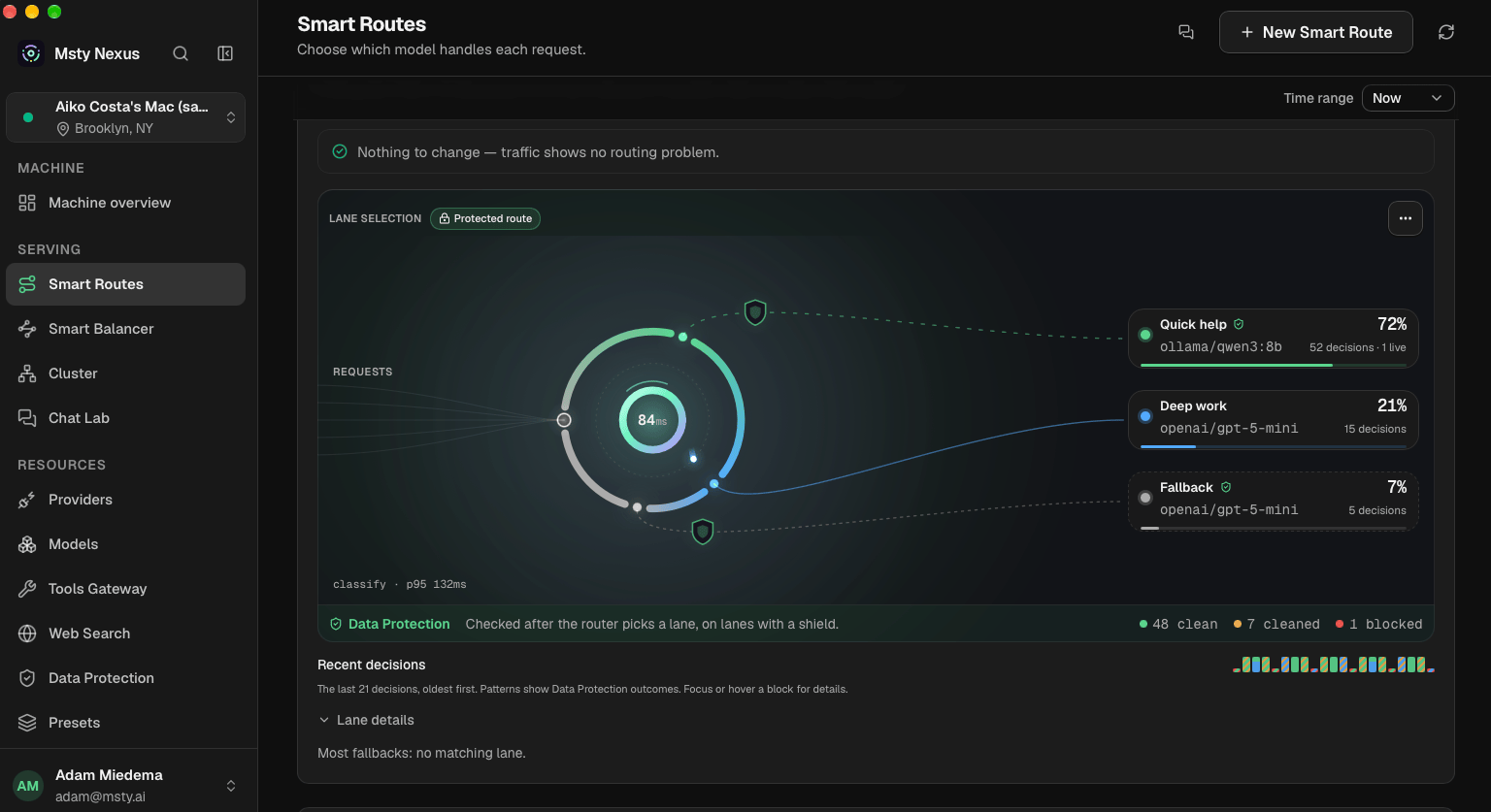
Smart Routes can send a request to an approved local or online model. Smart Balancer distributes separate requests across available model instances. Cluster lets compatible Macs work together on a model that does not fit on one machine.
Nexus reports local and online token activity along with online model spend. Use those reports to check what changed after moving a workload instead of assuming that local must be cheaper. See how Nexus manages models, routes, and usage.
Start With One Repetitive Task
Do not begin by trying to move every AI request onto local hardware. Pick one task your team runs often, such as summarizing support tickets or extracting information from a standard document.
Run the same examples through the online model you use today and a local model on a Mac you already have. Compare:
- output quality
- response time
- cost per usable result
- retries and human corrections
- memory use and concurrent demand
If the local model does the job, put it behind Nexus so approved users and applications can reach it. Keep online models available for the work that still needs them.
Download Msty Nexus to start with one machine, or read our guide to deciding where AI workloads should run for a closer look at on-device, shared, and online models.